
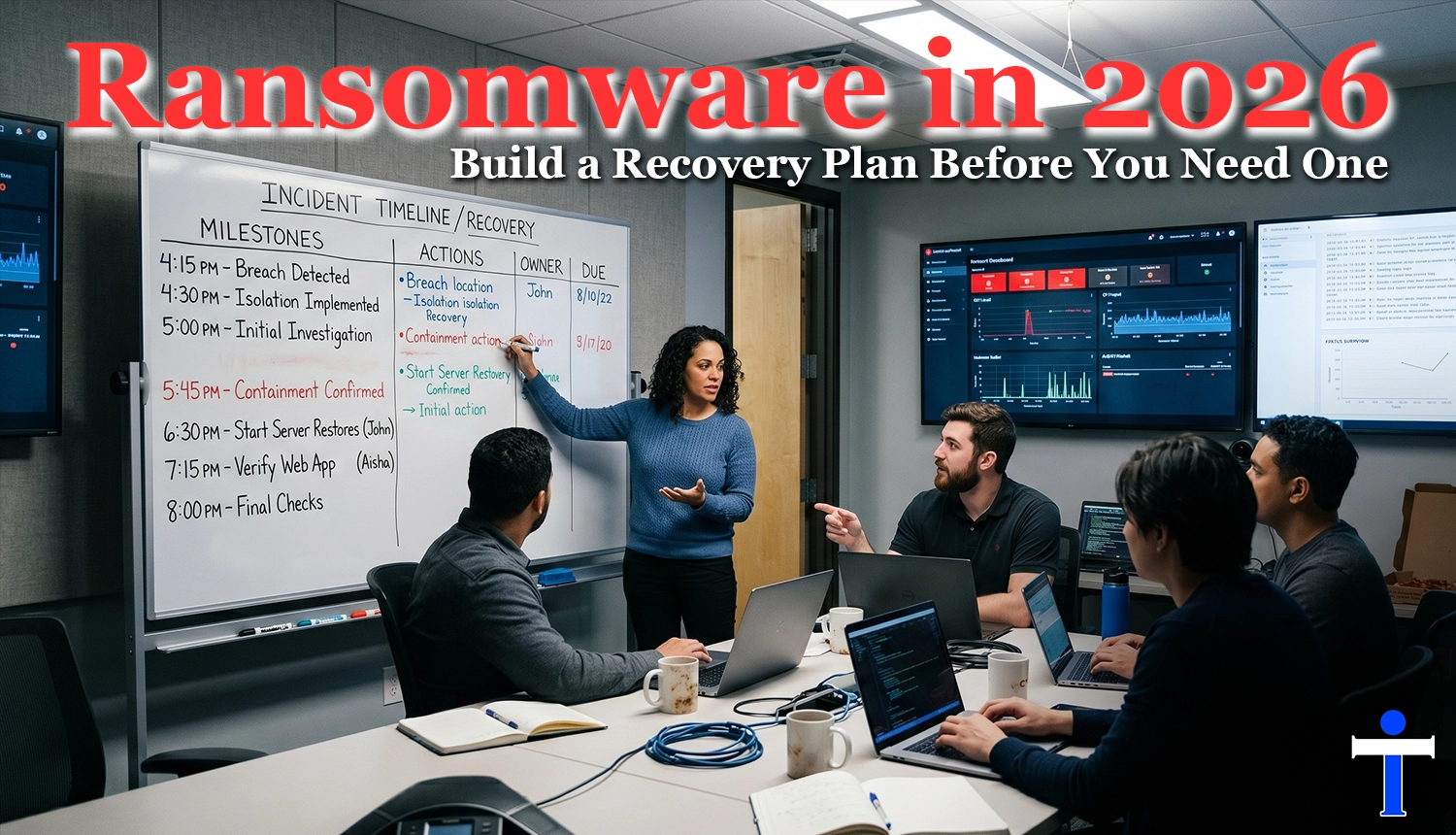
Ransomware incidents are operational crises, not just technical events. The first few hours decide whether you preserve options or lose them. Teams that predefine roles, isolate quickly, and restore with discipline usually recover faster than teams that only invest in tools but skip rehearsal.
This guide is built for small and midsize businesses that need practical execution. You will get a 24-hour response framework, backup architecture priorities, communication coordination basics, and a test cadence that turns a plan from documentation into muscle memory.
The Modern Ransomware Reality for SMBs
Modern ransomware campaigns blend encryption, extortion, and disruption pressure. Attackers often target identity systems, collaboration tools, and backup pathways first because those assets determine how quickly your business can coordinate and recover.
- Initial access frequently starts with phishing, credential theft, or exposed remote services.
- Privilege escalation and lateral movement often happen before encryption is deployed.
- Attackers increasingly pressure leadership through downtime and data-leak threats.
- Recovery complexity rises when backups are untested or connected to the same trust path.
- Communication confusion can increase legal, operational, and customer impact.
Your First 24 Hours: A Response Framework
The first day is about containment, evidence preservation, and continuity priorities. Avoid making irreversible decisions under panic. Use a pre-assigned incident lead and a strict communication rhythm.
- Hour 0-2: Activate incident response lead, isolate affected systems, and freeze non-essential changes.
- Hour 2-6: Confirm scope, protect logs, revoke risky credentials, and validate backup integrity status.
- Hour 6-12: Prioritize restoration order by business impact, not by system ownership politics.
- Hour 12-24: Launch staged recovery for critical services and deliver executive/customer status updates.
- Throughout: Track a formal decision log with timestamps and approvers.
The goal in hour one is not perfect analysis. It is controlled containment with a documented path to recovery.
Backup Architecture That Actually Restores Operations
Backups are only useful if they restore under pressure. Design for isolation, speed, and repeatability. Many organizations discover too late that backup success logs do not equal application recoverability.
- Keep at least one immutable and one offline backup path for critical workloads.
- Separate backup management credentials from primary admin identities.
- Define recovery tiers: Tier 1 revenue and customer operations, Tier 2 internal productivity, Tier 3 non-critical services.
- Test full restoration for at least one Tier 1 workflow every quarter.
- Track recovery time objective and recovery point objective against real tests, not assumptions.
Communications and Legal Coordination Basics
Communication failure can amplify impact even when technical recovery is on track. Define who talks, what is approved, and when messages are released. Keep legal coordination general and process-oriented unless counsel gives specific direction.
- Assign one executive spokesperson for external updates.
- Use pre-approved internal status templates to reduce rumor spread.
- Notify critical vendors and partners through verified channels only.
- Maintain chain-of-custody practices for forensic artifacts and logs.
- Coordinate legal and regulatory questions through designated decision owners.
Offline Backup and Restore-Test Checklist
- Can you restore core line-of-business systems without internet dependency?
- Are backup credentials segmented from daily admin access?
- Are restore runbooks documented with named owners and alternates?
- Has leadership participated in a tabletop plus technical restore drill in the last quarter?
- Can your team produce a tested 24-hour restoration order today?
AEO Quick Answers
What is the most important ransomware readiness step for SMBs? Build and test a recovery plan with role clarity and restore priorities before an incident occurs.
How often should ransomware plans be tested? At minimum, run quarterly restore tests and response tabletop exercises with executive participation.
Should a business focus on prevention or recovery? Both. Prevention lowers incident probability, but tested recovery controls determine business survival when prevention is bypassed.
Bottom Line
Ransomware resilience is a systems discipline. Organizations that pre-assign decision roles, validate backup recovery under realistic conditions, and communicate through structured workflows reduce downtime and protect customer trust. To pressure-test your current readiness, schedule a strategy call at cravenit.solutions/consult and map your recovery gaps before a real incident forces decisions.